
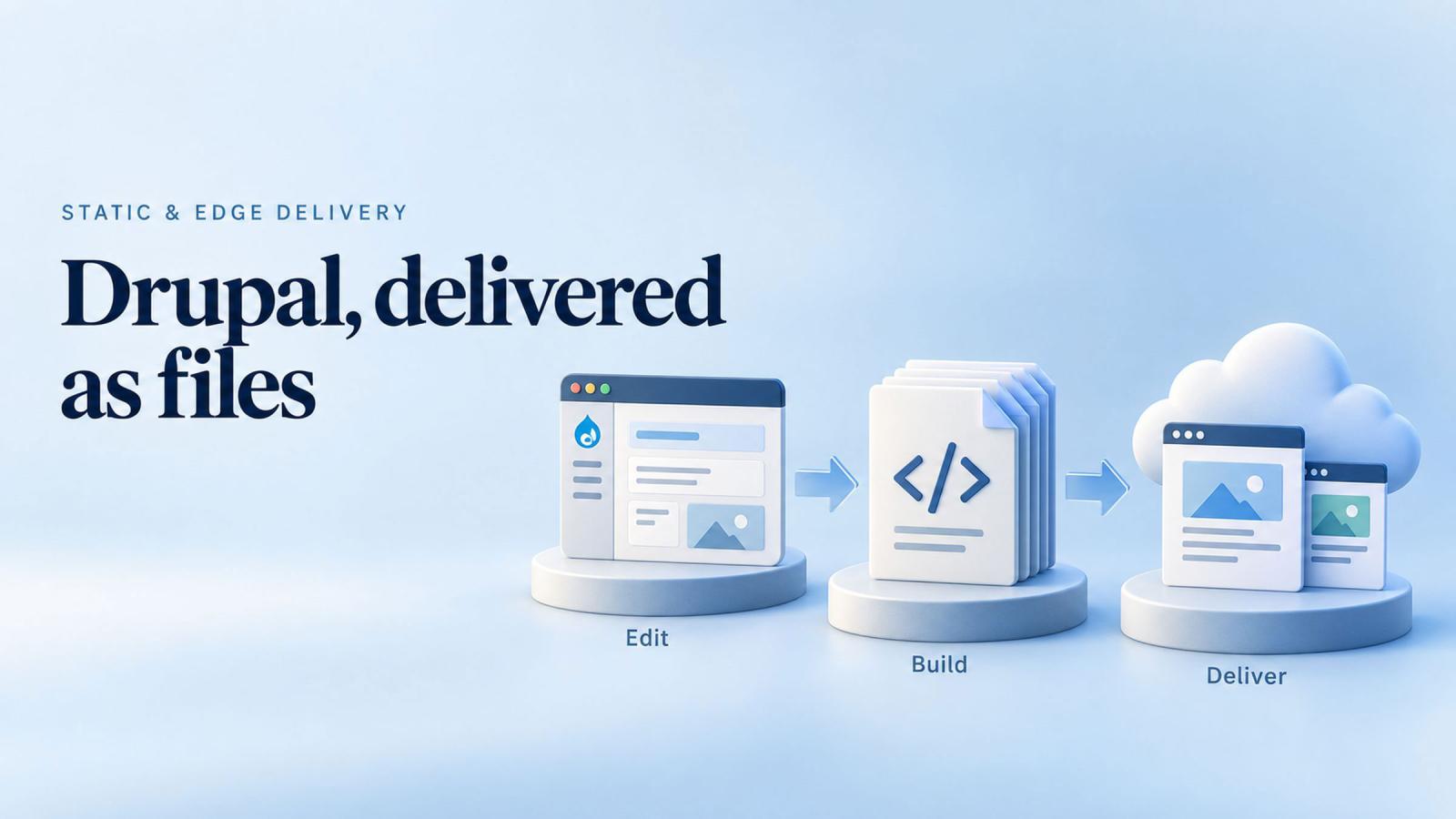
A Drupal site has three moving parts in production: PHP, a database, and a login page. Each needs patching, monitoring and a person who knows it. Most of the security advisories the Drupal project publishes describe a flaw in one of those three, and most of the incidents that follow start there.
A static site removes all three from production. Drupal stays where the editors are, the pages are rendered once into plain files, and the files are served from a content delivery network. This site works that way. This guide explains how, what still needs a server, and what you give up.
What "static" means for a Drupal site
Drupal normally builds every page at the moment someone asks for it: PHP runs, queries the database, assembles the page and sends it. Caches soften the cost, but the machinery is always there, reachable from the internet, waiting for a request.
A static build does that work once, in advance. A generator walks every page Drupal knows about, renders it, and writes the result to disk as HTML, CSS, JavaScript and images. Those files are what visitors receive. Nothing runs when they arrive.
The Tome module does this for Drupal. It also stores content in git as files, so a site can be rebuilt from its repository on any machine, without a database backup. The Tome documentation describes both halves.
How this site is built
This site is the worked example. The CMS is Drupal 11, and editors work in the ordinary Drupal admin. Every save is written into a git repository as content files alongside the uploaded images, so the repository, not the database, is the record. Tome renders every page to static HTML.
A build pipeline on GitHub installs Drupal from the repository, imports the content, bakes the site, and runs three gates before anything ships:
| Gate | What it checks | What stops the release |
|---|---|---|
| Accessibility | An axe audit of every page at phone and desktop sizes, with the menu open and closed, and a reflow check at 320 CSS pixels | One violation, or one page that scrolls sideways at 320 pixels |
| Responsive | Layout across a device matrix, text below 12 pixels, image sizes, the stylesheet's weight | Any failure on any device size |
| Search | Titles, descriptions, canonical addresses, links that point at the CMS instead of the site | A missing title, a duplicate address, a link to an internal path |
A pull request runs the same gates without deploying. When the branch merges, the workflow runs again and deploys the baked files to Cloudflare's edge. From an editor's save to the live site takes a few minutes.
In production there is no PHP, no database and no login page. There is nothing to patch on the server and nothing to sign in to. Unknown addresses get the site's own 404 page.
What still needs a server, and how the edge handles it
Two things on a marketing or public-sector site cannot be plain files: a form that sends email, and search.
Forms
The contact form posts to a small edge function, the only server-side code in production. It runs in Cloudflare's network, not on a server the site operates. Bot checks, including Cloudflare Turnstile, run before a message is accepted. Accepted messages are sent by email with the request type in the subject line, and nothing is stored on the site.
Search
Insights search runs in the browser. The bake writes a small index of the posts, the page loads it when needed, and filtering by type, industry, topic and words happens without a request to any server. For a site with thousands of pages the index moves to the edge too, but the principle holds: the CMS is never in the request path.
Counts and other small state
Read and like counts on posts are kept in a small edge database and read by the same edge function. That is the pattern for anything that must change between builds: a purpose-built function at the edge, with the smallest possible surface, instead of the whole CMS.
Why the security case is stronger than it sounds
The Drupal security team publishes advisories for core and for contributed modules on a regular cadence. In the summer of 2026, a run of advisories for contributed projects included several rated critical, and some told site owners to uninstall projects that were no longer supported, because no fix was coming. The advisories are listed on Drupal.org.
For a conventional site, every advisory is a decision: patch now, test, deploy, and hope the contributed module has a release. For a static site the CMS is not reachable from the internet, so an advisory is a maintenance task on a schedule, not an emergency. The code that runs in production is a set of files and one small function, and neither has a database to inject into or a session to steal.
This does not make the CMS unimportant. It still needs updates, backups of its repository, and access control for editors. It moves those concerns off the public internet and onto a working environment with a much smaller audience.
What you give up
- Logged-in features. Personalised pages, member areas, comments and anything else that depends on who is looking. A static site shows every visitor the same page.
- Instant publishing. A change goes live minutes after it is approved, not the second it is saved. For a newsroom that publishes breaking stories this needs a fast pipeline; for most institutions it is unnoticeable.
- Server-side search and forms as Drupal ships them. Each needs an edge function or a service, as described above.
- Some contributed modules. Anything that assumes a live request, such as per-visitor blocks or dynamic redirects, has to be replaced with a build-time or edge equivalent.
For a marketing site, a public-sector site, or a publication, that trade is usually the right one. For an application with accounts, it is the wrong one, and a conventional Drupal site behind a well-run host is the better fit.
Who this fits
Government. Public bodies publish a great deal and transact comparatively little on the same site. A static site passes an infrastructure audit with a short list of components, and an accessibility gate on every build makes the WCAG conformance the law asks for a property of the pipeline rather than a periodic project.
Media and publishing. Traffic that spikes with the news cycle is what a content delivery network is for. The page that a million people request is one file, already at the edge, and the CMS never notices.
Anyone who has been through a rescue. Once a site has been compromised through an unpatched module, the appeal of production with nothing to patch is easy to explain.
How to start
- List what on the current site depends on a live request: forms, search, logged-in pages, per-visitor content. That list is the work.
- Try a static build of the existing site with Tome on a copy. The pages that break tell you which modules assume a request.
- Put the accessibility and responsive checks into the build first, before the move. They pay off whichever way the site is delivered.
- Move delivery to the edge with the CMS kept as the working environment, and decide whether editors keep working on a shared CMS or each on a local copy with content in git.
Our static and edge delivery service is this approach as a project: the audit of what needs a server, the build, the pipeline with its gates, and the edge functions for what remains.