A resident reaches the final step of a permit application and cannot submit it using a keyboard. A student opens a required reading and finds a scanned PDF their screen reader cannot interpret. A commuter checks a service alert that exists only as an image.
These are the kinds of barriers public organizations need to address under the Department of Justice’s web accessibility rule.
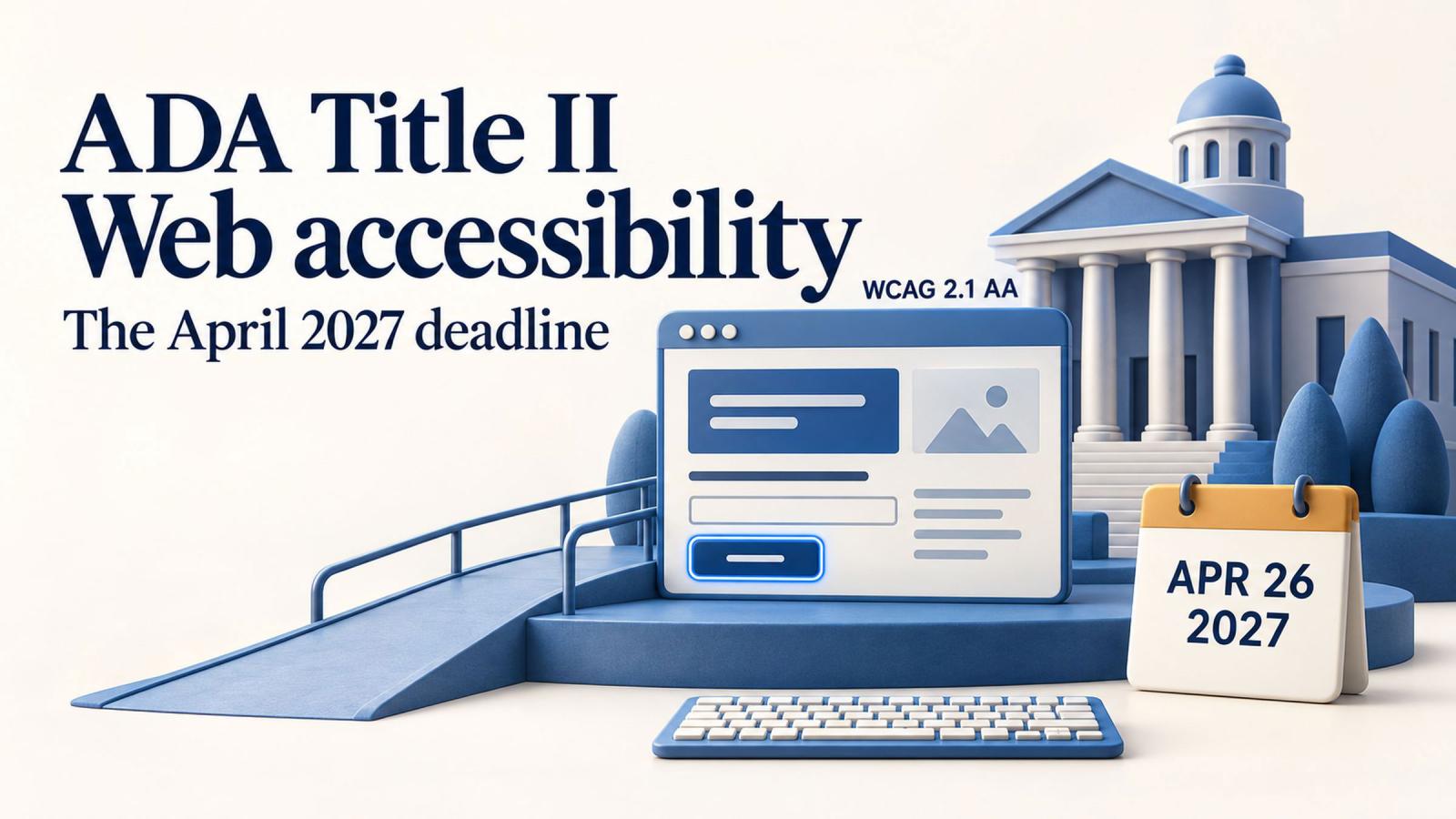
The ADA Title II website compliance deadline is now April 26, 2027, for state and local governments with a total population of 50,000 or more. Smaller governments and special district governments have until April 26, 2028. DOJ extended the deadlines through an interim final rule effective April 20, 2026. Read the DOJ extension.
The required technical standard remains WCAG 2.1 Level AA. The extension gives organizations more time to meet that standard; their existing ADA obligations continue.
For cities, counties and public universities, the work begins with establishing what they operate, who owns it and where people encounter barriers.
Who is covered—and which deadline applies?
Title II covers state and local governments and their agencies and instrumentalities. That includes public school districts, public colleges and universities, libraries, transit agencies, courts, and parks and recreation departments. DOJ’s fact sheet explains the scope.
| Public entity | Revised compliance deadline |
|---|---|
| State or local government with a total population of 50,000 or more | April 26, 2027 |
| State or local government with a total population below 50,000 | April 26, 2028 |
| Special district government | April 26, 2028, regardless of population |
The revised dates appear in DOJ’s interim final rule.
Population does not mean website visitors, employees or university enrollment.
A public university that is part of a state generally uses the state’s population. A small student body therefore does not automatically qualify it for the later deadline. Similarly, a county library branch generally follows the county’s population.
School districts require care: city and county districts follow the relevant government’s population; independent school districts use the designated Census population estimates. School districts are not treated as special district governments for this rule. Follow DOJ’s population instructions when documenting your deadline.
Before approving a project schedule, have your ADA coordinator and appropriate legal staff confirm the entity’s classification.
What counts as web content?
The scope extends across the online information and experiences a public entity provides or makes available. That includes text, images, audio, video and documents, as well as mobile applications. Services delivered through arrangements with outside providers are also covered. DOJ’s explanation of covered content includes privately operated parking apps as an example.
For planning purposes, inventory:
- Main websites, departmental sites and campaign microsites.
- Applications, payment forms, reservations and appointment systems.
- PDFs, spreadsheets, presentations and online publications.
- Videos, recorded meetings and instructional media.
- Student portals, learning platforms and online course materials.
- Mobile apps and services supplied by vendors.
A password does not create a general exemption. The exception for certain individualized documents is much narrower than an exception for an entire portal or learning management system. DOJ’s compliance guide explains the distinction.
Start the inventory with real tasks. Follow a student from the admissions page through application, payment and confirmation. Follow a resident from a service description into the booking system. Every handoff helps reveal systems that a routine website crawl may miss.
Are third-party websites you link to covered?
The relationship matters.
A university’s contracted tuition-payment service generally falls within its responsibilities even when the service lives on another domain. An ordinary link to an independent local hotel generally does not make the university responsible for the hotel’s website, absent an arrangement under which the hotel provides content on its behalf. DOJ uses these examples in its guidance on third-party links.
Review payment processors, registration platforms, library services and learning tools according to what they provide for your organization.
For each system, record the business owner, contract owner, accessibility evidence and route for reporting defects. An external URL should prompt a review of the relationship rather than an automatic decision to exclude it.
The five exceptions, in one list
The rule provides five categories of content exceptions. Each has conditions:
- Archived web content. It must predate the applicable deadline, or reproduce older physical material; be retained exclusively for reference, research or recordkeeping; sit in a clearly identified archive; and remain unchanged after archiving.
- Preexisting conventional electronic documents. PDFs, word-processing files, presentations and spreadsheets available before the deadline may qualify. Documents currently used to apply for, access or participate in public services do not.
- Content posted by independent third parties. This excludes content posted through contractual, licensing or other arrangements with the public entity.
- Individualized, secured conventional electronic documents. These must concern a particular person, property or account and be password-protected or otherwise secured.
- Preexisting social media posts. Posts published before the entity’s applicable compliance date qualify.
See 28 CFR § 35.201 and DOJ’s archive explanation.
An old permit application still used today does not become exempt simply because someone moves it into an “Archive” folder.
Exceptions also leave other ADA duties intact, including effective communication and reasonable modifications. Accessible content may still need to be provided to a person who requests it. Separate provisions concerning undue burden and fundamental alteration require a fact-specific assessment. DOJ’s compliance guide explains these limits.
Keep a record of each exception decision, its basis and who reviewed it.
A twelve-month plan working back from April 2027
The schedule below covers May 2026 through April 2027. It is a planning framework, not an additional grace period.
For teams starting in September 2026, the first four months’ activities are catch-up work. Begin those immediately while remediation and vendor discussions proceed alongside them.
May–June 2026: establish ownership and scope
Confirm the deadline and appoint an accountable program lead. Bring together the ADA coordinator, IT, communications, procurement and departmental representatives. Universities should include academic technology and faculty support.
Build an inventory with an owner for each site, app and service. Include contract renewal dates and known accessibility complaints.
Agree on a publishing standard for new content immediately. Otherwise, the backlog can grow while the assessment is underway.
Deliverable: an owned inventory, an agreed deadline and a funded assessment plan.
July–August 2026: assess barriers and secure vendor commitments
Combine automated checks with manual evaluation of templates, documents and complete service journeys. Include keyboard and assistive-technology testing, and involve people with disabilities where possible.
Automated tools support evaluation, but cannot determine accessibility on their own. W3C’s evaluation guidance explains why human assessment remains necessary.
Prioritize barriers by their effect on access: an unusable benefits application deserves urgent attention even if it receives less traffic than the homepage.
Contact vendors now. Obtain evidence, identify gaps and agree on remediation or replacement decisions.
Deliverable: a prioritized backlog with owners, estimates and vendor commitments.
September–October 2026: repair shared components and essential services
Address problems in navigation, headings, forms, dialogs, focus behavior and reusable templates. Shared fixes can improve many pages, but individual content still needs review.
Test complete tasks after each change. For a payment journey, that includes validation errors, authentication, confirmation and receipts.
Start document remediation with materials needed to access services. Where practical, publish recurring information as accessible HTML rather than repeatedly generating complex documents.
Deliverable: verified improvements to shared components and essential journeys.
November–December 2026: work through content and procurement gaps
Continue document and media remediation, review captions and train the people who publish daily.
Make decisions on vendors that cannot demonstrate a credible delivery plan. Procurement, replacement and integration work need time of their own.
For universities, use academic calendars to coordinate course-material reviews. A syllabus or required reading may be owned by a department that rarely works with the central web team.
Deliverable: a substantially reduced backlog and an agreed resolution for every outstanding vendor issue.
January–February 2027: verify fixes and test release processes
Retest completed work. Review mobile apps, authenticated services and representative documents alongside the public website.
Check that fixes survive normal publishing and software updates. Confirm that staff can create accessible content using the templates and tools they have been given.
Make the accessibility reporting route easy to find, and test how a request moves from receipt to resolution.
Deliverable: current test evidence, a manageable remaining backlog and a working response process.
March–April 2027: close gaps and establish ongoing monitoring
Resolve remaining in-scope failures before the deadline and review exception decisions. Prioritization determines the order of work; it does not exempt lower-traffic content.
Assign ownership for future testing, vendor reviews, editor training and complaint handling. Record the dates and scope of completed assessments so the organization can explain what it tested and what changed.
Deliverable: verified results and an operating process that continues after April 26.
Procurement can determine whether the plan succeeds
A vendor’s claim that a product is “ADA compliant” provides little detail about the version you are buying or the features your users need.
Request a current Accessibility Conformance Report, often completed using a Voluntary Product Accessibility Template, or VPAT. Examine the findings and test the workflows important to your organization.
Useful questions include:
- Which product version and WCAG criteria were evaluated?
- What known barriers remain?
- Who is responsible for fixing them, and by when?
- How are accessibility defects handled after an update?
- What happens if a required feature remains inaccessible?
EdTech’s university procurement analysis emphasizes this shift toward evidence, remediation commitments and continuing vendor review.
Put measurable accessibility requirements into procurement and acceptance processes. Discovering a critical limitation after signing a multiyear contract leaves fewer practical options.
Why build to WCAG 2.2 AA when the rule specifies 2.1?
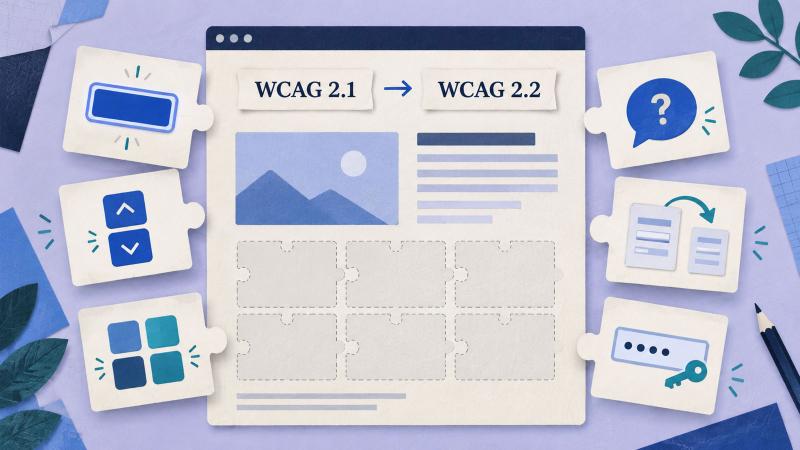
WCAG 2.1 AA is the legal benchmark in this DOJ rule. For new development, our recommended target is WCAG 2.2 AA, with explicit verification against the rule’s requirements.
WCAG 2.2 adds criteria addressing practical difficulties such as:
- Keyboard focus being hidden by page elements.
- Controls that depend on dragging.
- Targets that are difficult to select.
- Repeated entry of information already supplied.
- Authentication tasks that create cognitive barriers.
These changes matter in ordinary public services: selecting an appointment, signing into a student account or completing a long application.
There is a technical distinction to preserve in your reporting. WCAG 2.2 removed the older 4.1.1 Parsing criterion, so a report labeled “2.2 AA” should be mapped carefully to the rule’s incorporated 2.1 requirements. W3C explains the changes between versions.
Building to 2.2 AA is a forward-looking development choice. It should accompany a clearly documented assessment of the standard the regulation actually requires.
Make the next step concrete
Choose one essential service and follow it from beginning to end. Record every page, document, app and vendor involved. Then establish whether someone using a keyboard or screen reader can complete the task.
That exercise gives the larger program a practical starting point. It reveals ownership gaps, exposes procurement dependencies and turns broad accessibility goals into work that can be assigned and tested.
For organizations using Drupal, Dynamosys’ Drupal development services provide a starting point for discussing the platform changes your accessibility assessment identifies.
The deadline belongs on the project calendar. Successful access belongs in the acceptance criteria.