The accessibility widget is installed. The invoice is paid. There is a new icon in the corner of the website.
Then someone asks whether a customer can complete checkout with a keyboard, or whether a screen reader can explain the errors in an application form. The widget’s dashboard does not answer either question.
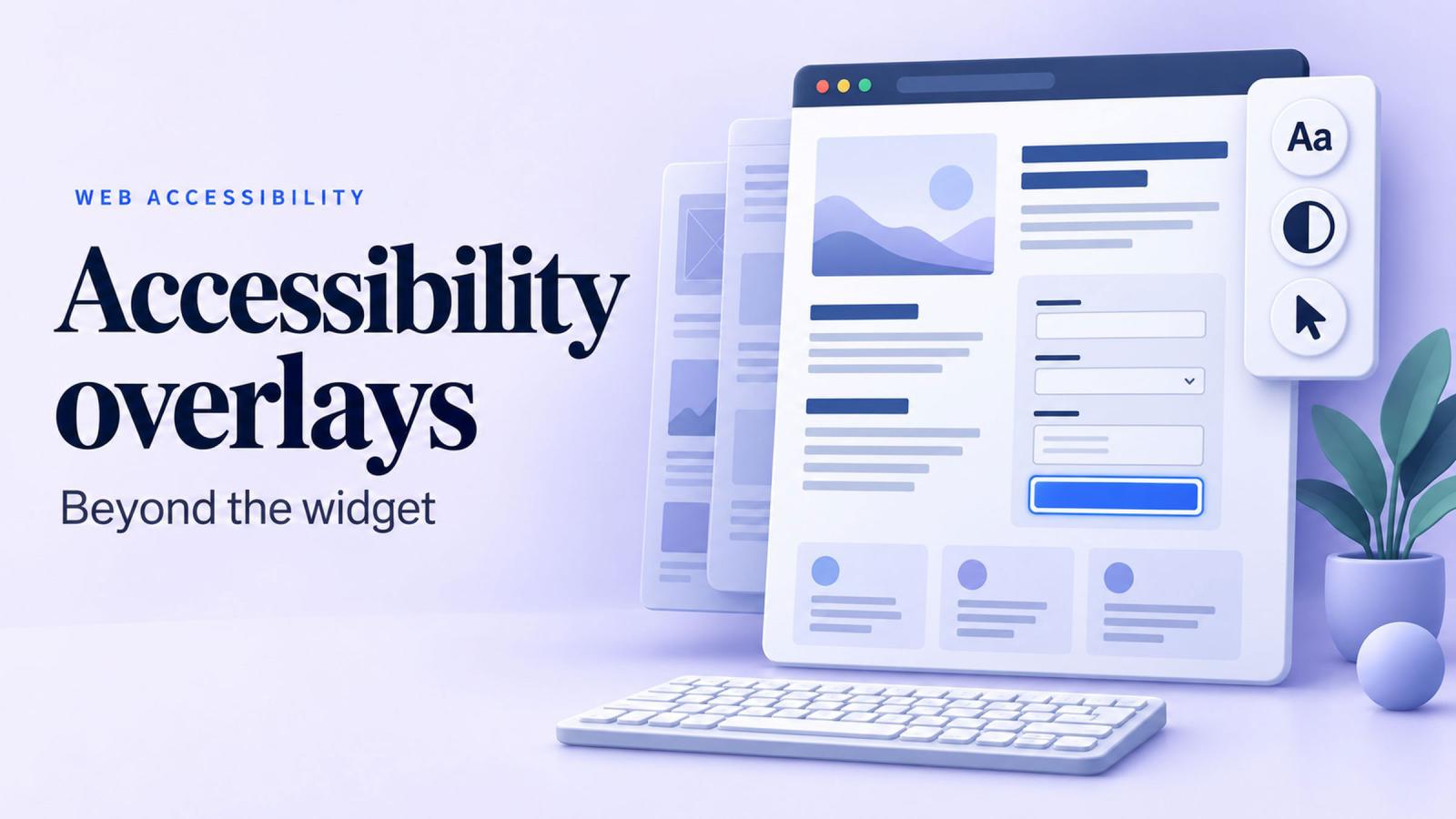
That gap matters. An accessibility overlay can offer useful display adjustments and, depending on the product, change parts of a page in the browser. Its presence alone does not establish that the website meets accessibility requirements.
For companies reviewing an existing subscription, the useful starting point is to establish exactly what the product fixes, what remains inaccessible and who owns the remaining work.
The FTC’s accessiBe order, in two sentences
In April 2025, the Federal Trade Commission finalized an order requiring accessiBe to pay $1 million to settle allegations that it made misleading or unsubstantiated claims about accessWidget’s ability to make any website WCAG-compliant. The order restricts unsupported accessibility claims and misrepresentations about the independence of third-party reviews and endorsements. Read the FTC’s announcement.
What accessibility overlay lawsuit figures actually show
EcomBack’s annual report tracked 3,948 website accessibility lawsuits in 2025, up 23.84% from 3,188 in 2024. Its subsequent midyear comparison reported that 458 filings in the first half of 2025—22.74% of that period’s tracked cases—involved websites with an accessibility widget installed. 2025 annual report, midyear comparison.
Those numbers need careful handling. They describe one provider’s tracked filings, rather than a definitive count of every accessibility dispute. A filing is also an allegation, not a court finding.
The figures demonstrate that widget-equipped websites still face lawsuits. They do not establish that installing an overlay causes a lawsuit, or tell us the likelihood that any particular website will be sued.
For a procurement team, that is enough reason to ask for evidence beyond the installation receipt.
What an accessibility overlay can do
“Overlay” covers products with different capabilities. Some mainly provide a preferences panel. Others inject JavaScript that changes the page after it loads. Some subscriptions also include manual audits and developer assistance.
Common visitor controls include larger text, alternative color schemes, increased contrast, highlighted links and a larger cursor. These adjustments can help some people read or navigate a page.
More sophisticated products may add accessible names, modify attributes or alter keyboard behavior in the browser. It would be inaccurate to say an overlay cannot touch those things.
The limitation is reliability and scope. Automated adjustments cannot consistently infer every image’s purpose, every control’s intended behavior or every relationship in a complex interface. Accessibility specialists have documented these limitations in the Overlay Fact Sheet.
A browser-level patch also does not necessarily repair the CMS content or template that produced the problem. The original defect can remain in the website’s code and return when the patch stops running.
Where the widget reaches its limits
Consider five problems that routinely require decisions about content, design or application behavior.
| Barrier | What an overlay might attempt | What a durable fix involves |
|---|---|---|
| Missing or inaccurate image alternatives | Generate a description or inject an alt attribute. | Write alternatives that reflect the image’s purpose and save them in the appropriate content or template. |
| Confusing heading structure | Detect or change heading levels. | Establish a logical page structure and make components produce appropriate headings. |
| Unlabeled form fields | Infer a label from nearby text. | Associate the correct label, instructions and error messages with each field. |
| Keyboard traps | Adjust keyboard events or focus behavior. | Repair the component so users can enter, operate and leave it predictably. |
| Missing or misplaced focus | Add highlighting or change where focus moves. | Design visible focus styles and meaningful focus movement throughout the interaction. |
Image descriptions need context
The same photograph might be decorative on one page and essential on another. A magnifying-glass image used as a search button needs an alternative that explains the action.
Recognizing the objects in an image does not settle what a visitor needs to know about it. Editors and developers need to make that decision in context. The W3C image guidance explains how alternatives differ for informative, decorative and functional images.
Structure and forms need deliberate implementation
A page can look neatly organized while exposing confusing headings to a screen reader. Changing the font size will not establish the missing relationships between sections. Those relationships belong in the page structure and reusable components. W3C heading guidance.
Similarly, making a form label visible does not necessarily connect it to the input. A complete form also needs understandable instructions, identifiable errors and feedback after submission. Those behaviors deserve testing together. W3C form guidance.
Keyboard access depends on the whole interaction
A dialog might open correctly, then leave keyboard focus behind it. A menu might work until a submenu appears. A form might submit successfully while leaving the user unaware of the confirmation.
These problems emerge through interaction. Developers need to examine where focus starts, how it moves and where it returns when an interaction ends. The W3C explanation of focus order describes why that sequence matters.
What conformance means under Title II and Section 504
Two federal rules make the distinction between buying a tool and meeting a standard especially relevant.
| Rule | Organizations covered | Technical requirement |
|---|---|---|
| ADA Title II web and mobile accessibility rule | State and local public entities, including public universities. | WCAG 2.1 Level A and AA success criteria and conformance requirements for covered web content and mobile apps. |
| HHS Section 504 web and mobile accessibility rule | Recipients of federal financial assistance from HHS. | WCAG 2.1 Level A and AA success criteria and conformance requirements for covered web content and mobile apps. |
Both rules include defined exceptions and qualifications. They also cover content and applications provided through contractual or licensing arrangements, so buying a portal or other service does not automatically remove it from the organization’s accessibility responsibilities. Title II regulation, HHS Section 504 regulation.
These particular rules do not apply to every private business. Their scope must be assessed separately.
Under WCAG, Level AA conformance involves satisfying the applicable Level A and AA criteria, together with the conformance requirements. Evaluation concerns full pages and complete processes. A registration flow cannot be considered conforming if an essential step prevents someone from completing it. W3C conformance guidance.
A scanner score, purchased subscription or accessibility badge does not establish that result. Evidence has to address the website people actually use.
What to do if you already bought an overlay
Start with an assessment before making changes to the live site. Determine what the product currently does and whether visitors depend on any of its features.
In a staging environment, test important journeys with the overlay enabled and disabled. Record which barriers it resolves, which remain and whether its adjustments introduce new problems.
Then ask the vendor for concrete answers:
- Which WCAG criteria does the service address, and which require manual work?
- What was tested on our website, including pages behind a login?
- Were keyboard and screen-reader tests included?
- Are fixes saved in our templates and content, or applied only while your script runs?
- What happens when our developers change a component or we end the subscription?
Ask for dated findings, reproducible examples and unresolved issues. If a contract includes legal assistance or an indemnity, have that language reviewed separately from the technical assessment. It does not tell your developers whether a form works.
Fix the templates that repeat the problem
The structure a screen reader needs is the structure an answer engine reads too; see How an answer engine decides what to cite.
A useful remediation plan starts with recurring components and important user journeys.
A broken navigation menu can affect thousands of pages. An inaccessible appointment selector can block a critical task even if the rest of the website performs well.
For a Drupal website, likely places to investigate include theme templates, shared components, form output, media fields and editorial configuration. The right fix depends on where the defect originates.
For example, if every linked card lacks an accessible name, repair the card component. If editors cannot supply appropriate image alternatives, improve the content model and publishing guidance. If a dialog mishandles focus, correct the dialog’s behavior and test every place it appears.
Keep an issue record that includes the affected component, the user impact, the person responsible and the evidence needed to close it. This makes progress reviewable and helps prevent the same defect from returning.
Put accessibility checks into the build
Automated checks are useful for catching certain defects repeatedly. Human evaluation remains necessary to assess issues that tools cannot reliably judge. W3C recommends combining methods when evaluating web accessibility.
A practical release process should include automated checks on important templates and manual testing of changed interactions. For essential journeys, verify that someone can:
- Navigate and operate controls using a keyboard.
- Understand controls, errors and status updates with a screen reader.
- Use the interface when text is enlarged and the viewport is narrow.
- Complete the task through its final confirmation.
Include people with disabilities in usability testing where possible, particularly for services that users depend on.
Retain the findings and retest after repairs. A useful acceptance record explains what was checked and what still needs attention.
Publish a statement people can use
An accessibility statement gives visitors a place to understand your approach and report barriers. It should explain the standard you are working toward, known limitations and how someone can request help.
Keep it specific and current. A working contact route and an honest description of an unresolved problem are more useful than a sweeping claim that everything is accessible. W3C’s accessibility statement guidance provides a practical starting point.
For an example on our own website, see the Dynamosys accessibility statement.
Give the statement an owner. When someone reports a barrier, that person should be able to route it to the team responsible for fixing it and follow up with the visitor.
A statement supports communication and accountability. Publishing one does not establish WCAG conformance.
Spend the next budget on evidence and repairs
Before renewing an accessibility subscription, review the journeys users need to complete and the barriers your team has verified. Use those findings to decide which tools and services are earning their place.
Preferences controls can remain useful. Their value should be assessed alongside reliable templates, accessible content, tested interactions and a process for responding when something breaks.
If your Drupal website needs that work, explore our Drupal development services. Start with the components that repeat across the site and the tasks your visitors depend on most.